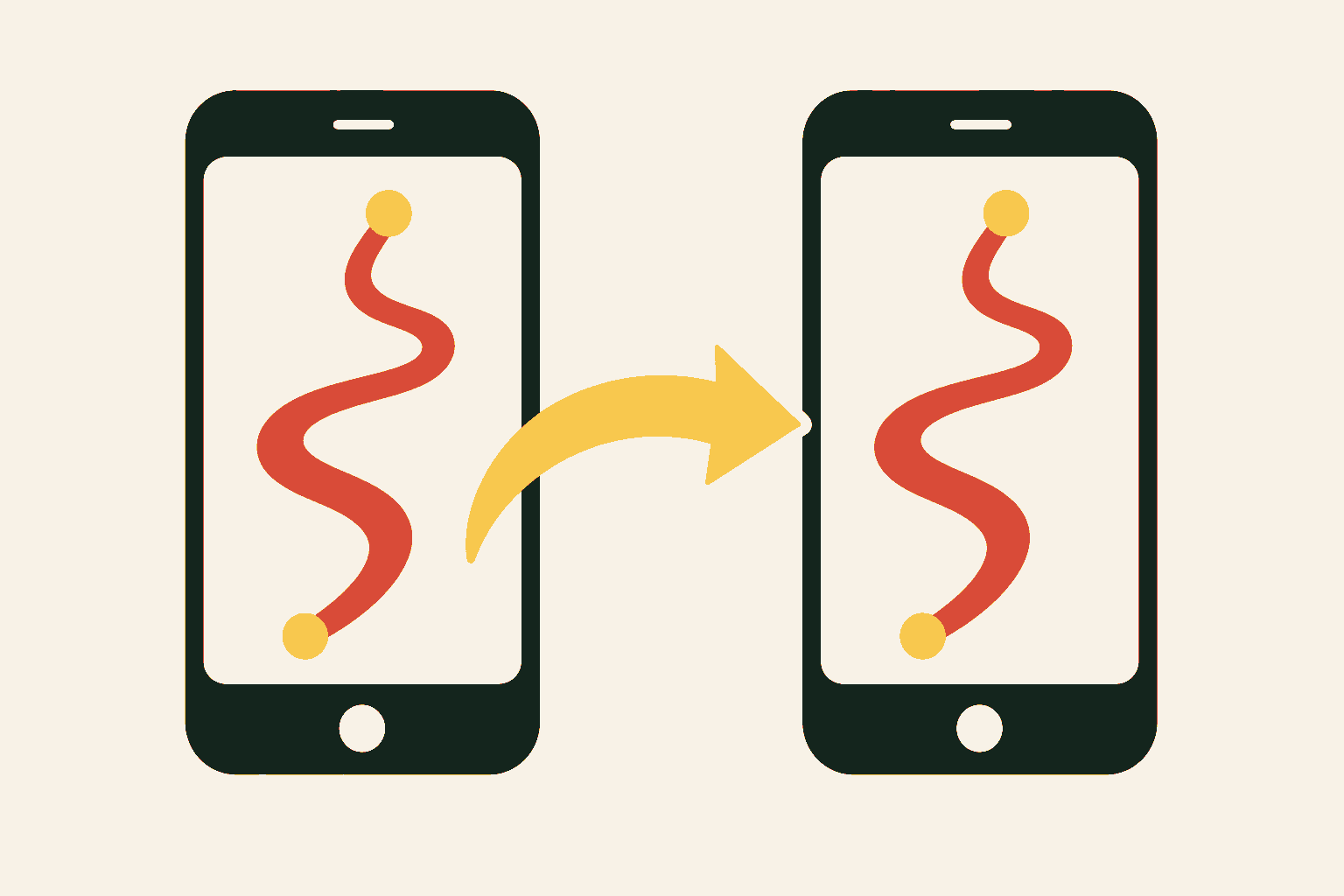
Road trips improve when everyone gets a vote before the car is moving. Make My Drive Fun puts the complete ordered route into a shareable link, so your co-pilot, snack strategist, and back-seat museum advocate can all start with the same plan.
Copy the route after it runs
Enter the stops, run the search, and choose Copy route link in the trip summary. The copied address remembers the start, destination, and any intermediate stops in their current order. When someone opens it, the planner restores those places and looks for attractions along the route again.
That last detail matters: the link saves the drive, not a frozen list of attraction cards. The catalog and route results can evolve, so reopening a saved trip is also an opportunity to review what is currently available.
Give the group a useful question
Sending a link with “thoughts?” tends to produce silence. Ask for a choice the group can answer. Which one stop is non-negotiable? Would you rather spend the detour budget on a museum or three quick outdoor oddities? Who wants the first driving shift? A small decision gives everyone a way into the plan.
Keep a tiny trip brief
- The Make My Drive Fun route link.
- The one agreed must-stop and its current official details.
- The maximum detour time the group is comfortable with.
- A backup option for bad weather or low energy.
Put those four lines in the group chat, calendar event, or shared note. There is no need to reproduce the whole result list. The route link remains the living map; the brief captures the decisions you have already made.
Reopen it before departure
On the morning of the drive, open the link once more. Confirm the route order, check the weather and current attraction information, and make sure the day still has enough breathing room. Then put the phone down when you can, look out the window, and let the road do its part.
Ready-made route
Try Nashville to Asheville
Use this classic mountain-bound drive as a shareable starting point for the group.